Parker PC Pros LLC Book online

Services

Eight things that go wrong, and what happens next.

Everything below is done on site, at your house, by one technician. If your problem is not on this list, it is still worth a phone call.

The work

Diagnosed first, explained always.

Nothing gets replaced before it gets understood. If a repair will do, a repair is what you get quoted.

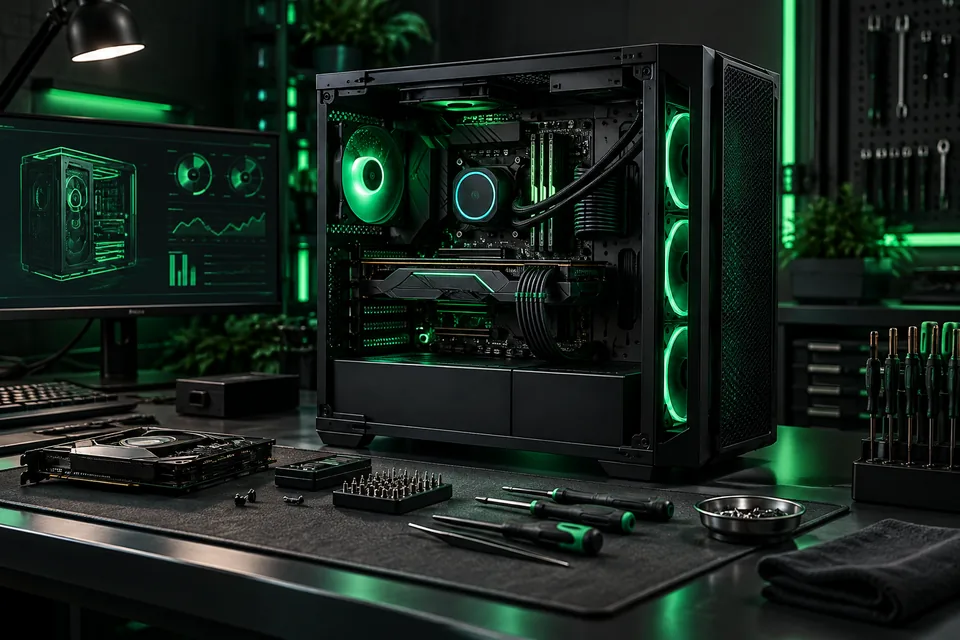
Precision computer repair workstation with an open desktop computer01

PC repair

Hardware and software faults on desktops and laptops — including machines other shops have already turned away.

  • Boot failures, blue screens, and crash loops
  • Drives, memory, power supplies, and fans
  • Screen, keyboard, and port replacement on laptops
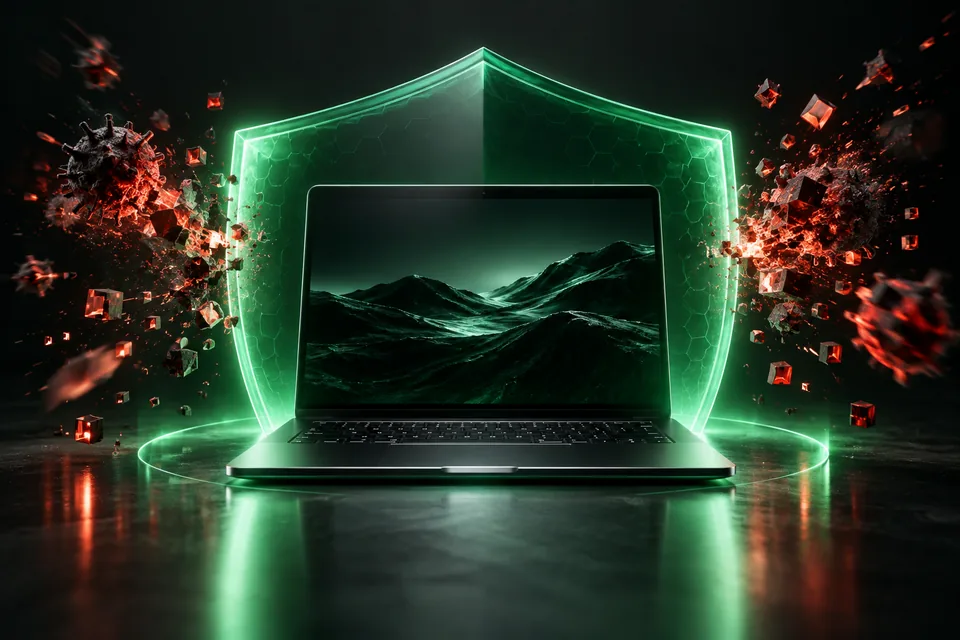
Laptop protected by a luminous digital security shield02

Virus & malware removal

Infections cleared, the entry point identified, and the system hardened so the same thing does not happen twice.

  • Removal of adware, browser hijacks, and ransomware droppers
  • Review of what was exposed and which passwords to change
  • Protection configured properly afterward
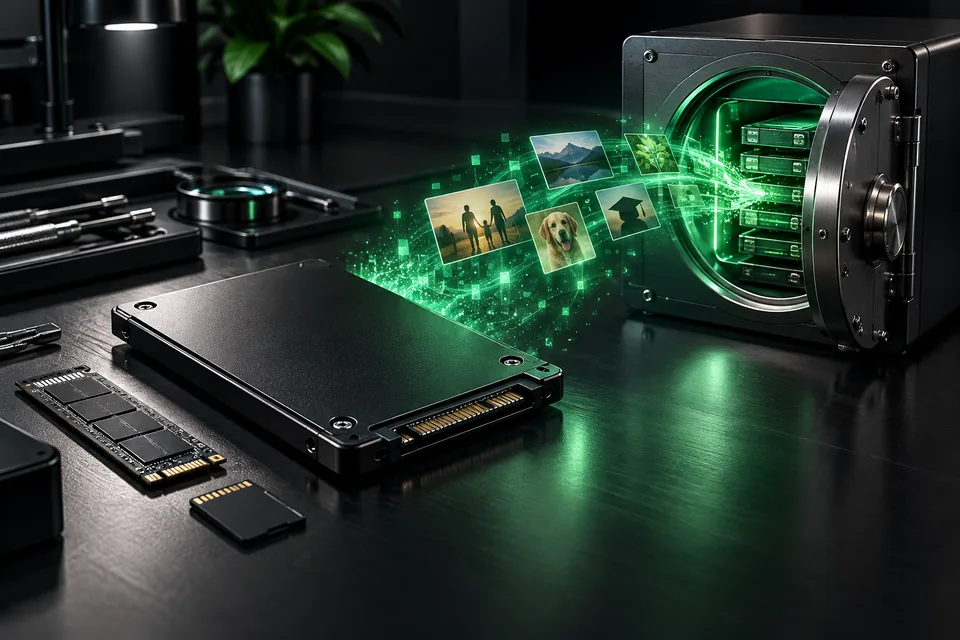
Data flowing safely from a solid-state drive into secure storage03

Data recovery

Photographs, records, and documents pulled off failing or formatted drives whenever the hardware still allows it.

  • Recovery from failing, corrupted, or accidentally erased drives
  • Files copied to media you keep
  • An honest answer up front when a drive is beyond software recovery
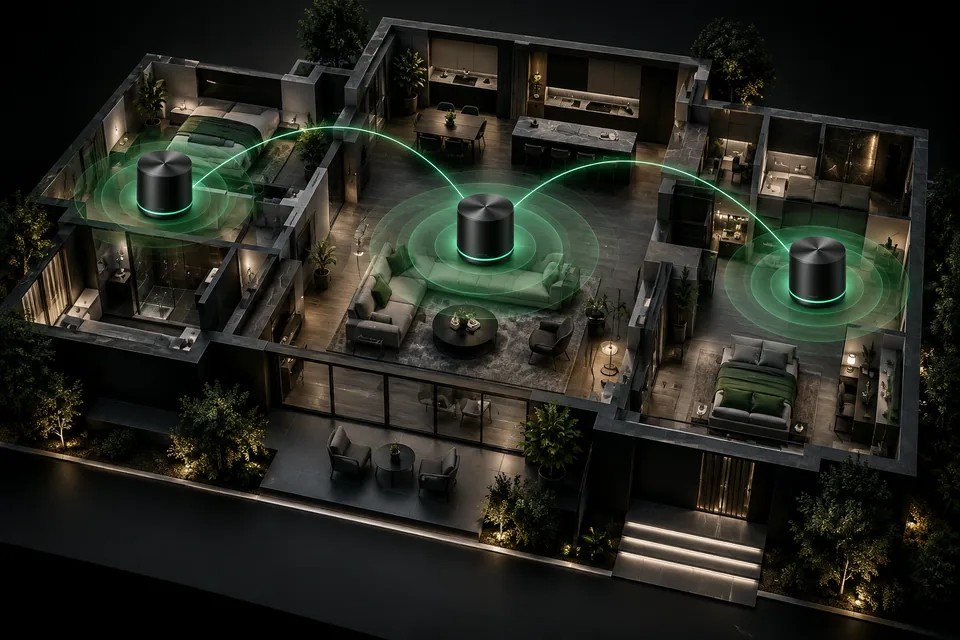
Whole-home mesh network shown across a refined house model04

Network setup

Wi-Fi that reaches the whole house, wired runs where they matter, and a router configured rather than left on factory defaults.

  • Coverage surveyed room by room, including guest houses and porches
  • Mesh and access points placed where they actually help
  • Admin passwords, guest networks, and firmware handled properly
Premium living-room television, soundbar, streaming box, and remote05

Smart TV configuration

Televisions, streaming devices, and sound connected, signed in, and left working the way you actually watch.

  • Inputs, apps, and accounts set up on the TV itself
  • Soundbars and receivers put in the right order
  • Remotes consolidated where the equipment allows it
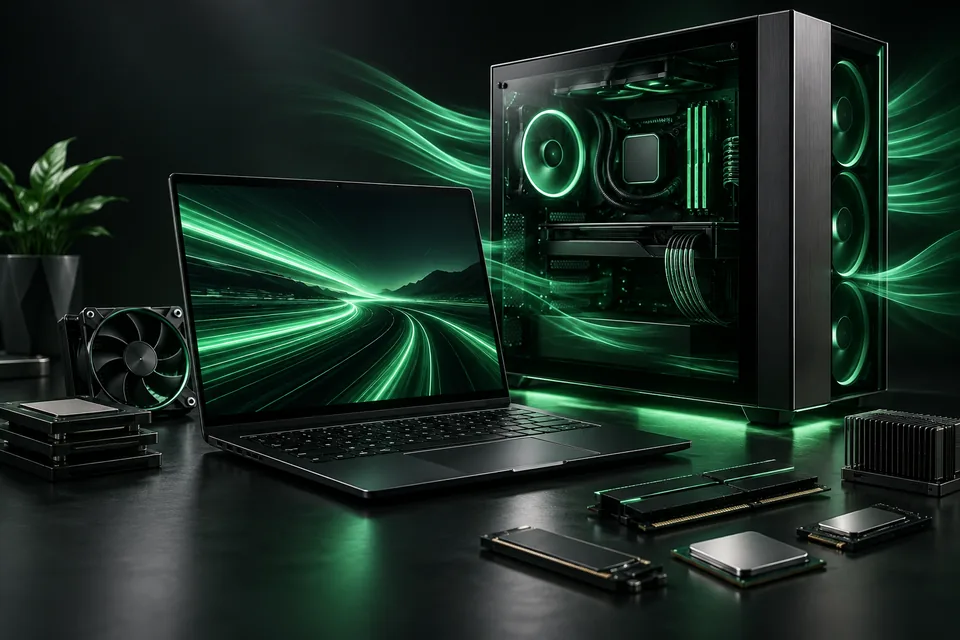
High-performance computer system with cooling and speed visualized06

System optimization

Slow machines made quick again — startup load, storage, thermals, and the accumulated software nobody asked for.

  • Startup and background programs trimmed back
  • Storage cleared and drives checked for early failure
  • Dust, heat, and throttling addressed physically
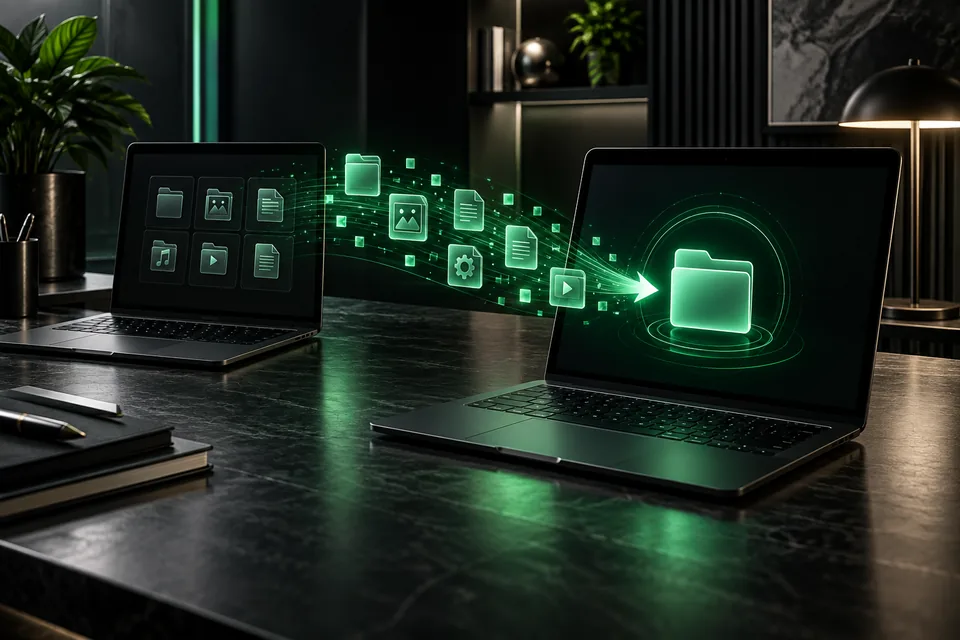
Applications and files transferring securely between two computers07

Software installation

Programs, licenses, and migrations set up correctly the first time, with your settings and files carried across.

  • New computer set up and the old one migrated over
  • Licenses and accounts installed under your ownership
  • Printers, scanners, and peripherals actually working
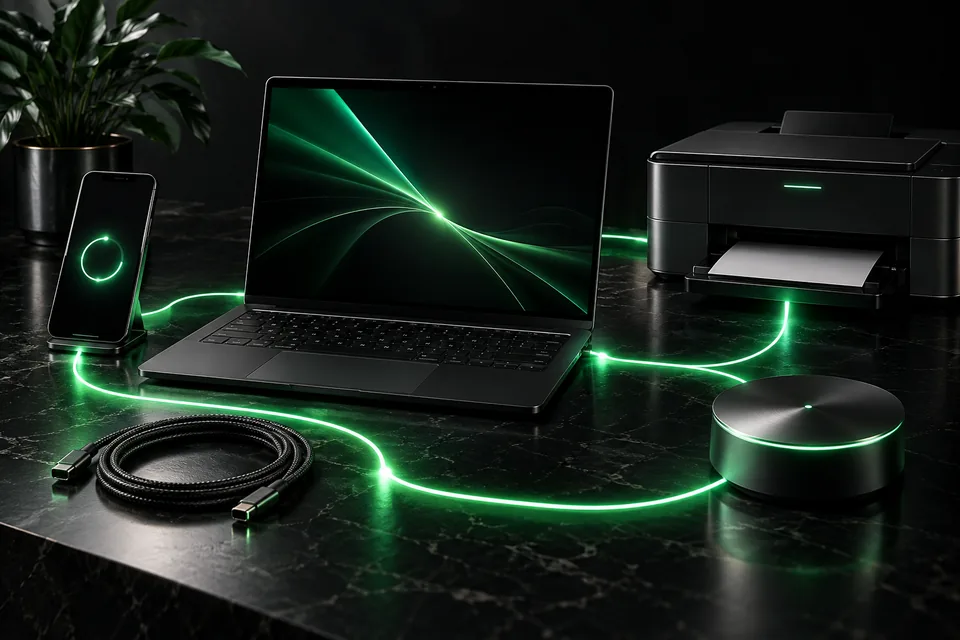
Laptop, phone, printer, and smart devices connected for troubleshooting08

Tech troubleshooting

The printer, the password, the thing that worked yesterday. Bring the whole list — that is what the visit is for.

  • Email, accounts, and sign-in problems
  • Phones and tablets talking to the computer again
  • The small annoyances that never justify their own appointment

Next step

Describe the problem. We will tell you if we can fix it.

No diagnostic fee ambush and no obligation on the phone. If it is not something we handle, we will say so plainly.